Revolutionize HR and Payroll with G-RH&Payroll

We streamline processes with intuitive Configuration, Personnel Management, Payroll, and reporting features.

G-RH&Payroll Module: Streamlining HR and Payroll Management

Simplified HR Processes

Effortlessly manage employee data, track time off, and streamline onboarding with our intuitive interface.
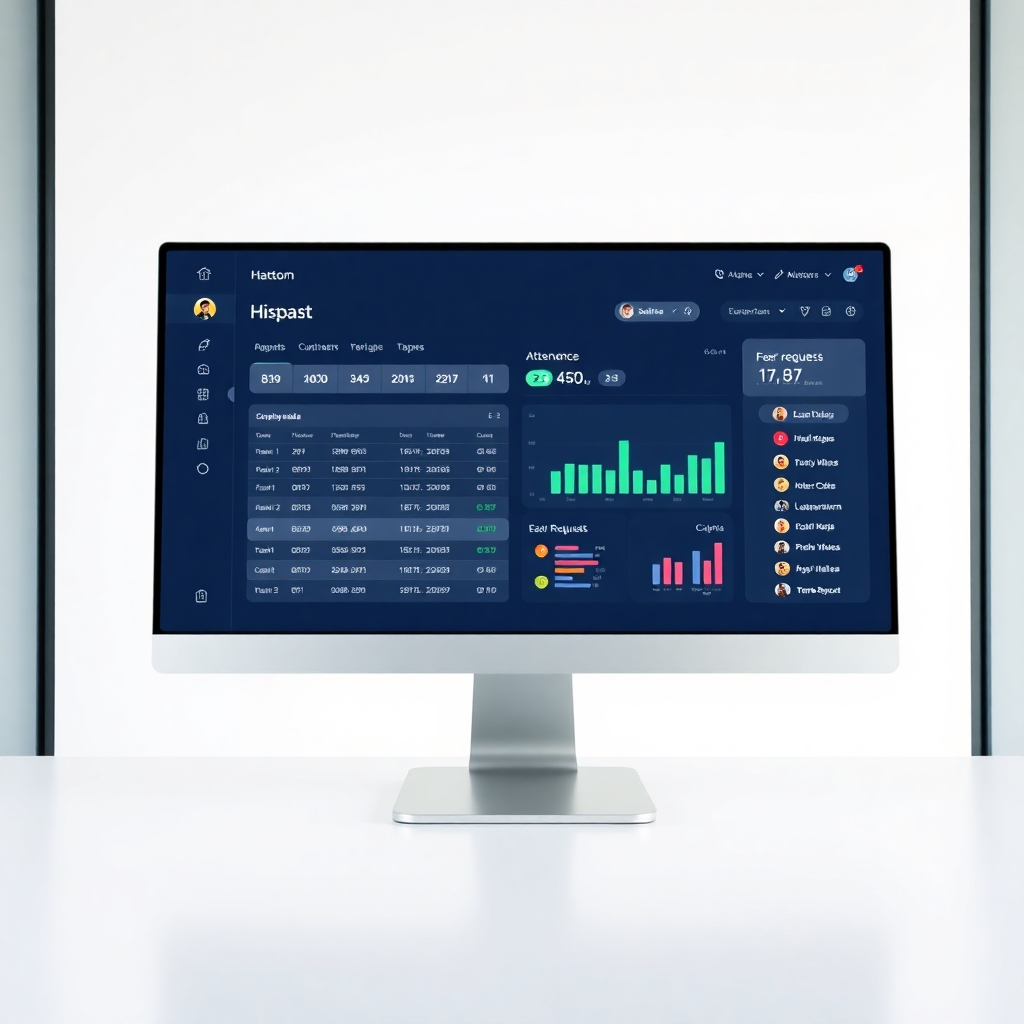
A photorealistic image of a clean, modern HR dashboard displaying employee data, attendance, and leave requests.  The color scheme should be light and airy.  The lighting should be soft and bright. The camera angle should be directly facing the screen, showing the key features. The style should be sleek and professional.  The image should communicate efficiency and ease-of-use.
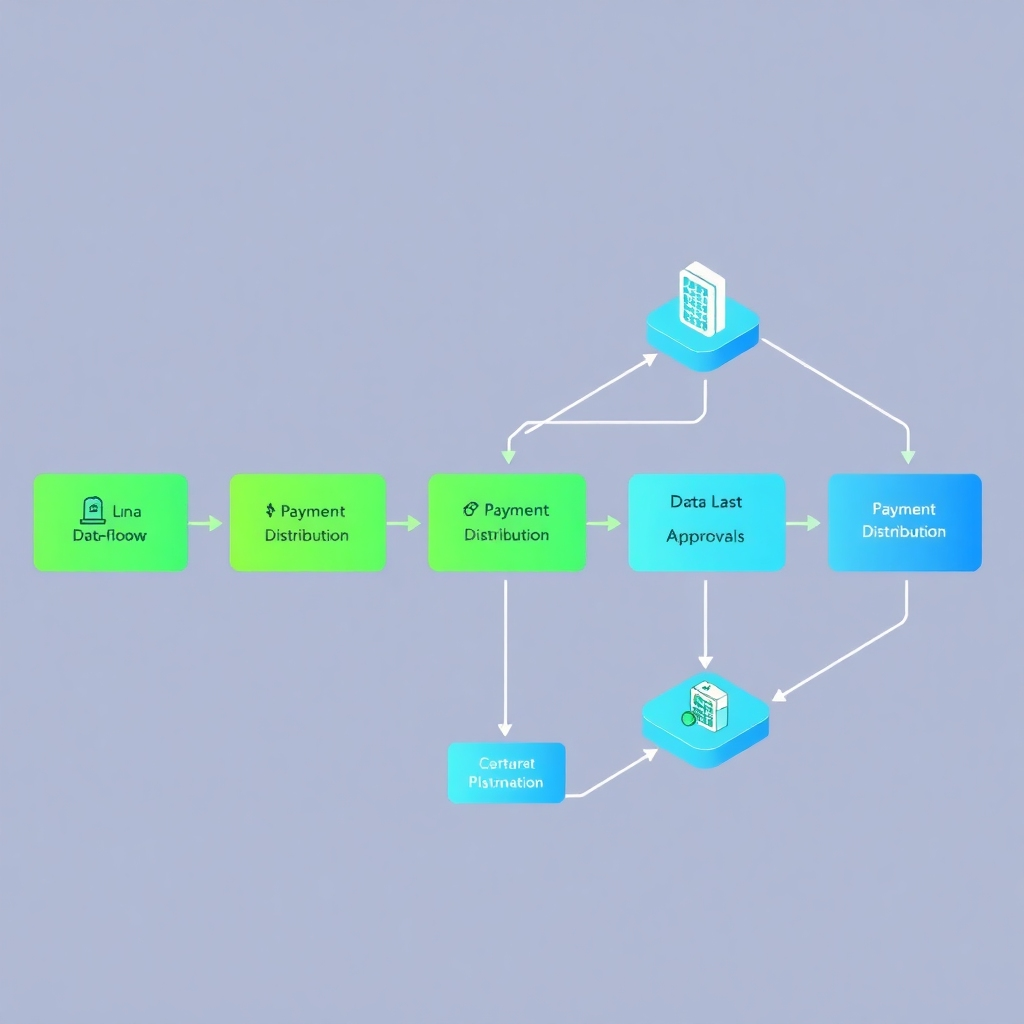
A stylized image of a payroll process flow chart, clearly showing all steps from data input to payment distribution.   The color scheme should feature smooth gradients of green and blue representing data flows and approvals.  The camera angle should be isometric, offering a clear view of the steps in the process. The style should be clean and modern, like a visual infographic. The image should convey automation and reliability.

Automated Payroll

Process payroll accurately and efficiently, reducing manual errors and saving time.

Real-time Reporting

Gain valuable insights into your workforce with detailed and easily customizable reports.
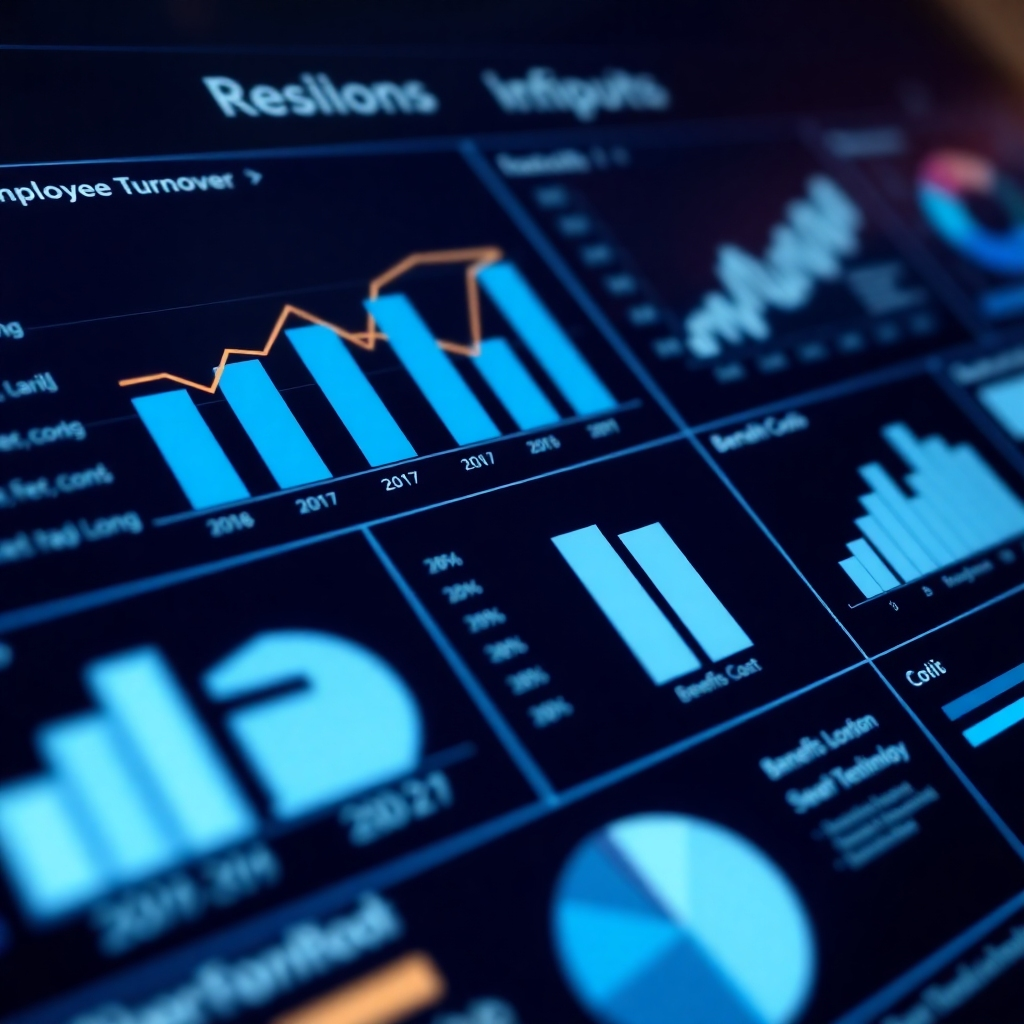
A photorealistic close-up of an interactive report dashboard, featuring graphs and charts that clearly show key metrics such as employee turnover, salaries, and benefits costs. The color scheme should be professional, utilizing shades of blue and grey.  The lighting should emphasize the clarity and detail of the data presented. The camera angle should be direct, providing a clear, readable view.  The style should be contemporary and data-focused, similar to the visualization tools in modern business intelligence software. The image should demonstrate data-driven decision making.

Experience G-RH&Payroll: Demo and Configuration Guide

A photorealistic image of a person using the G-RH&Payroll module, with their hands on the keyboard and a positive facial expression.  The background should be a clean, uncluttered office space.  The color palette should emphasize the calm and modern atmosphere.  The lighting should be soft and even.  The camera angle should focus on the user's interaction with the software.  The image should communicate ease of use and user-friendliness.

Intuitive Demo

Explore the module's capabilities with our interactive demo, highlighting key features and workflows.
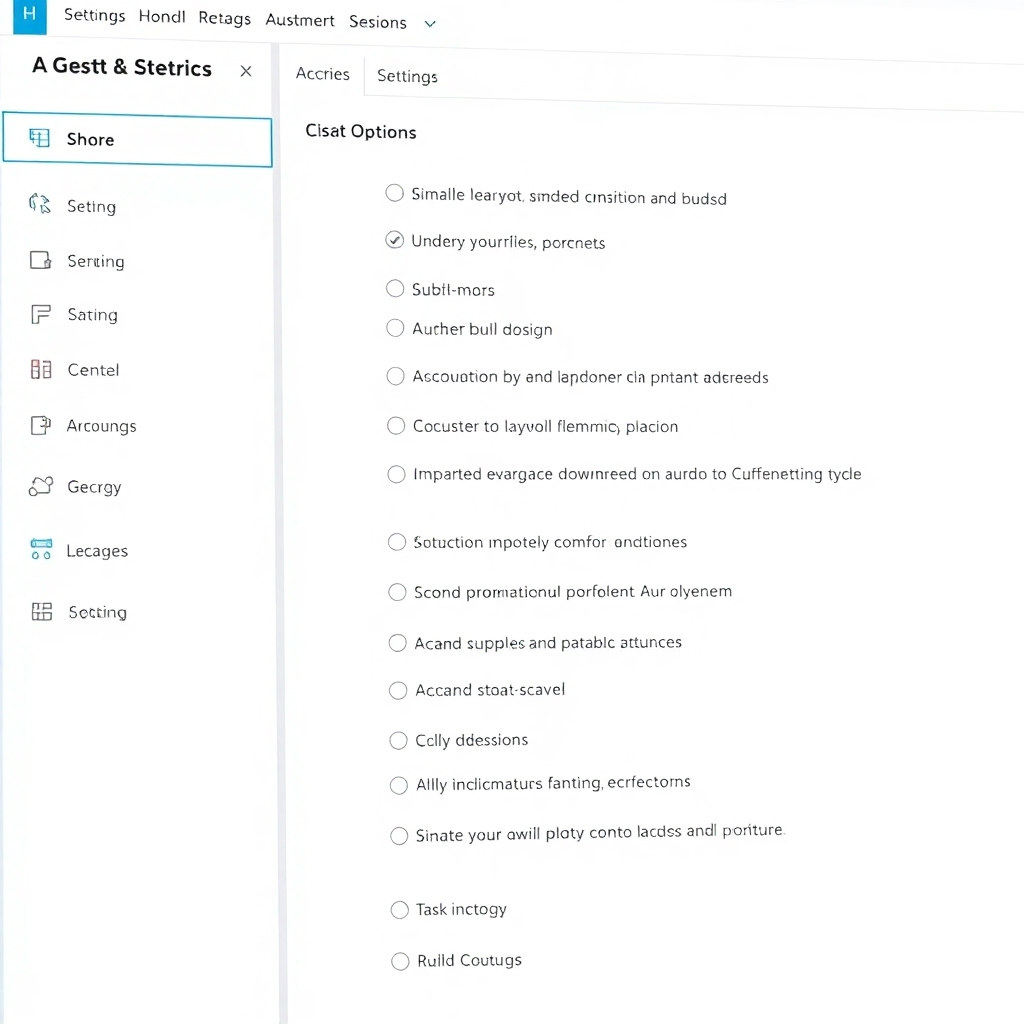
A stylized image of a settings menu within the G-RH&Payroll module, showing various options and controls. The color scheme should emphasize clarity and organization of the options. The lighting should clearly highlight the interactive features. The camera angle should be a close-up, providing excellent detail. The style should be clean and modern, similar to other modern software configuration interfaces. The image should communicate the depth of customization.

Customizable Configuration

Tailor the module to your specific needs with flexible configuration settings and options.
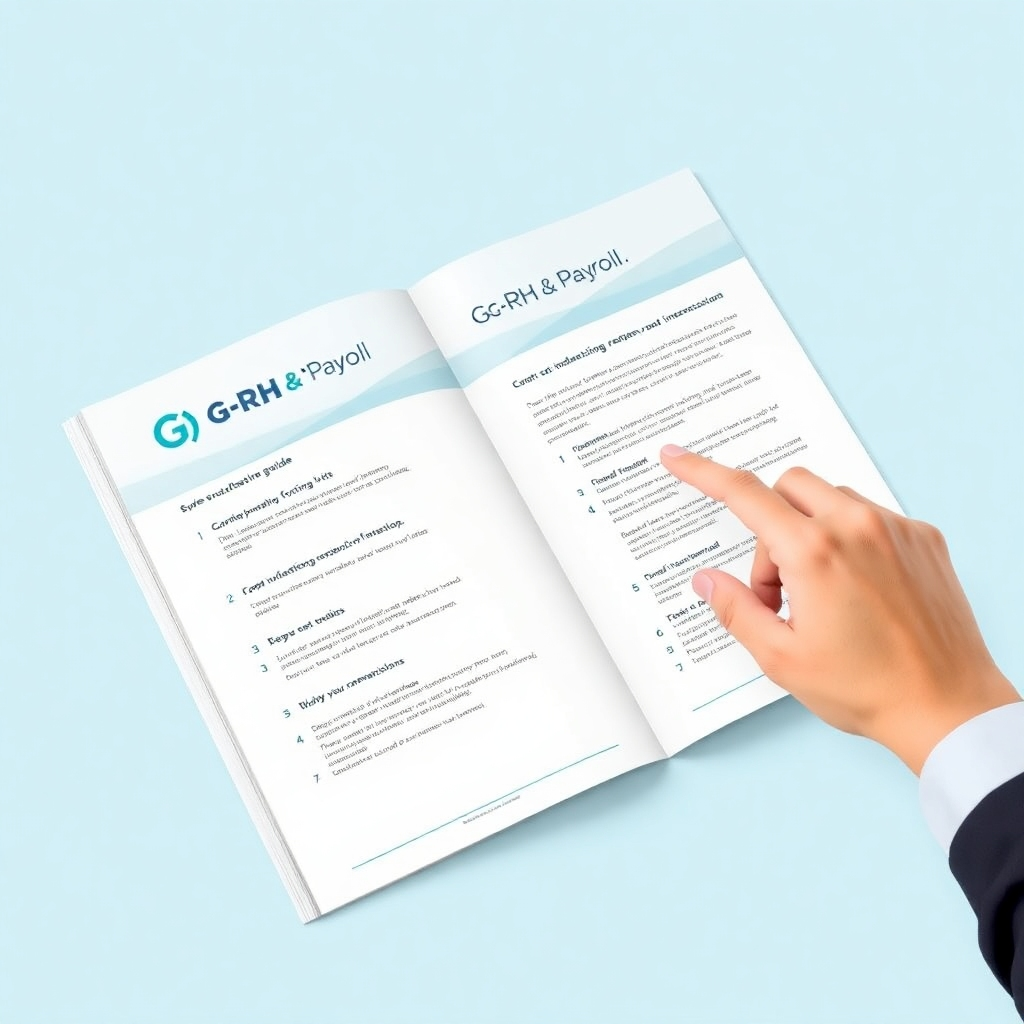
A photorealistic image of a printed guide with the G-RH&Payroll logo prominently displayed, and someone pointing to a specific step. The color palette should be simple and easy to read. The lighting should be soft and even. The camera angle should showcase the steps in the guide. The style should be clean and professional. The image should communicate clarity and ease of understanding.

Step-by-Step Guide

Our comprehensive guide walks you through the setup and configuration process.

Revolutionize HR and Payroll with G-RH&Payroll: A Comprehensive Overview
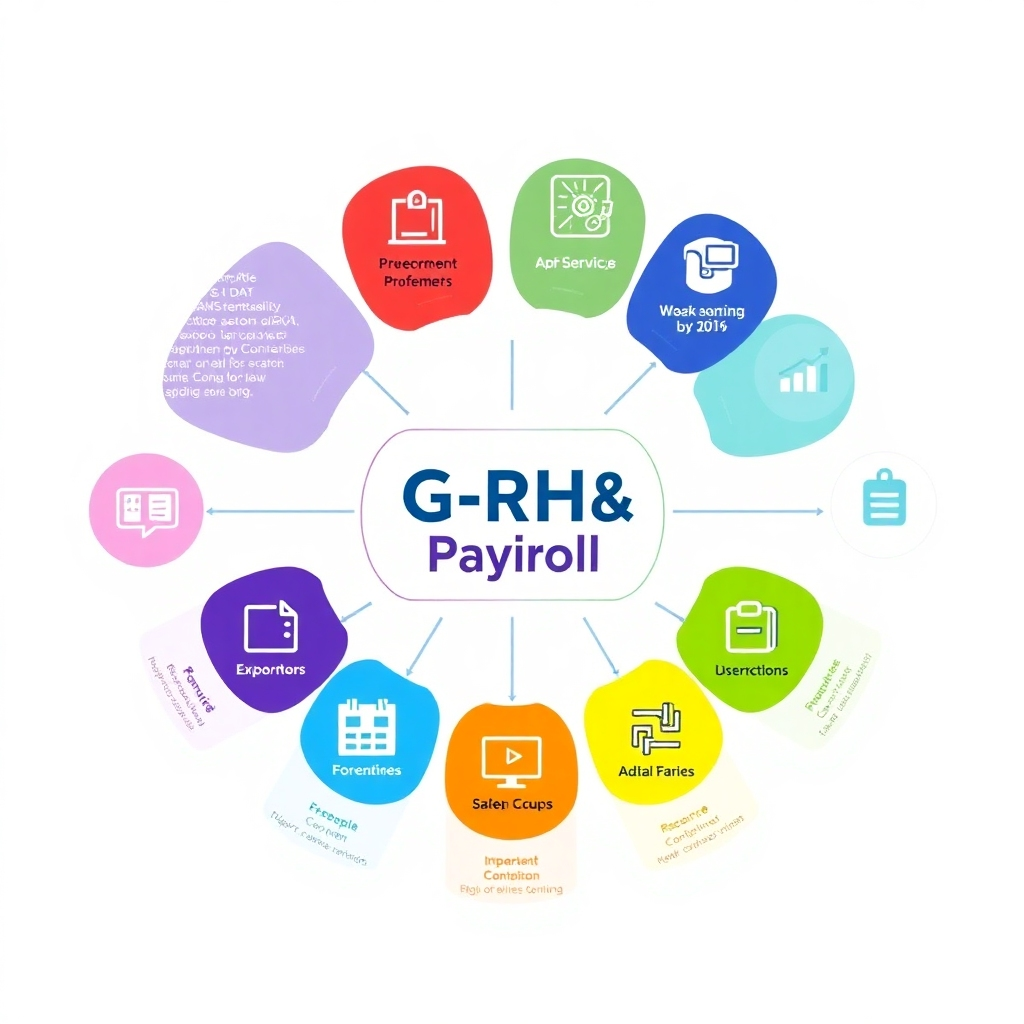
A stylized infographic showcasing the various modules of the G-RH&Payroll system, with clear icons representing each function. The color palette should be vibrant and engaging, to attract the viewer's attention. The lighting should be bright, creating a clean look.  The camera angle should emphasize the flow of data between the modules. The style should be modern, bold, and easily understandable.  The image should convey completeness and functionality.

Comprehensive Solution

G-RH&Payroll offers a complete solution for managing all aspects of HR and payroll.
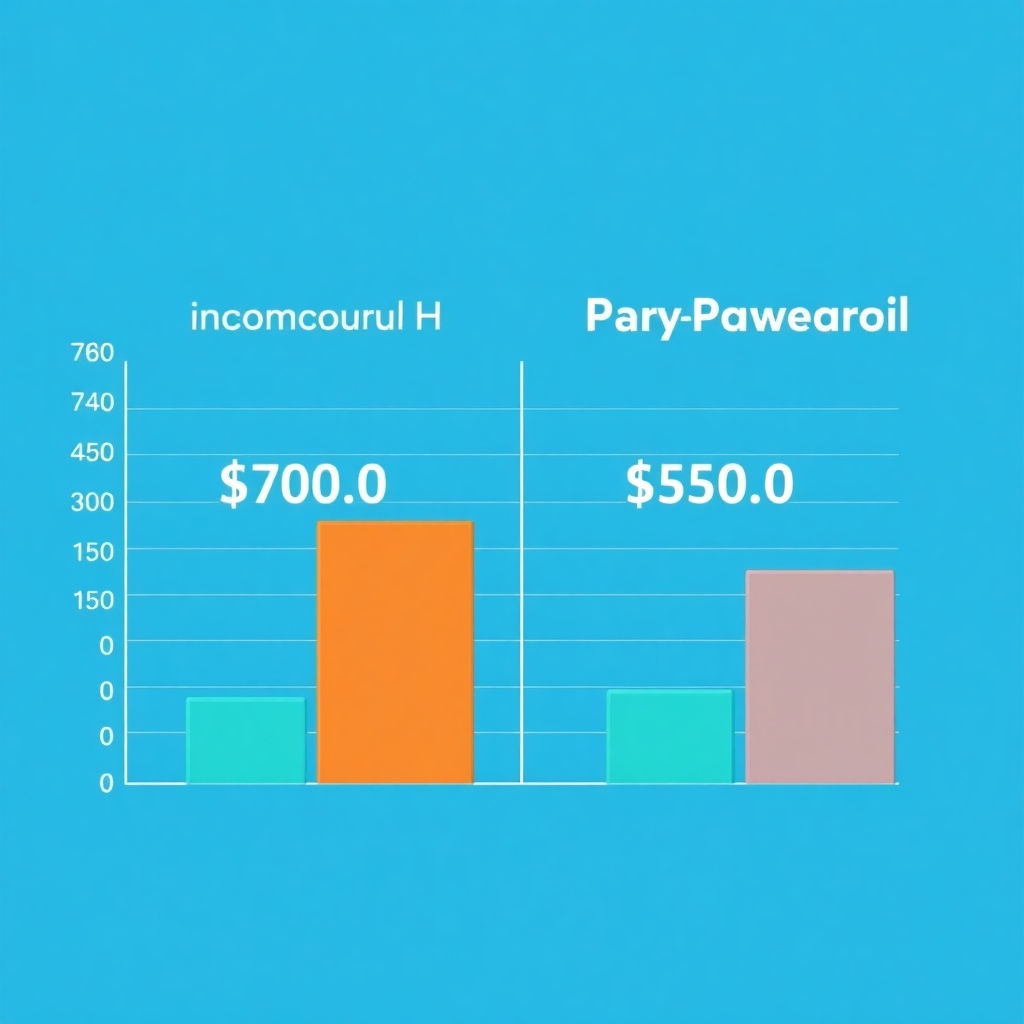
A photorealistic image of a graph that shows a clear comparison between costs for manual HR and payroll processes versus using G-RH&Payroll, showing cost savings.  The color palette should show a clear contrast between costs, showing improvement. The lighting should be sharp and well-lit. The camera angle should be direct, making the data easy to interpret. The style should be data-driven and modern. The image should communicate value and savings.

Cost-Effective Solution

Reduce expenses by automating processes and eliminating manual errors.

A stylized image of a growing network, symbolizing the scalability and growth of the G-RH&Payroll software.  The color palette should be professional and calming, in shades of dark blue and light grey.  The lighting should highlight the growth and interconnectedness.  The camera angle should be high above, showing the whole picture of the network.  The style should be modern and professional, highlighting the security of data within the network.  The image should convey growth and safety.

Scalable and Secure

Our module easily adapts to growing businesses and ensures the security of your data.