G-Booking: Revolutionizing Reservations Management

G-Booking Module: Reservations Management offers a comprehensive, user-friendly platform designed to streamline the entire booking process, from fleet management and journey planning to reservations, luggage tracking, and detailed reporting.

G-Booking Module: Streamline Your Reservations Management

Centralized Management

Manage all reservations, trips, and fleet data in one place. Access real-time updates and make changes effortlessly.
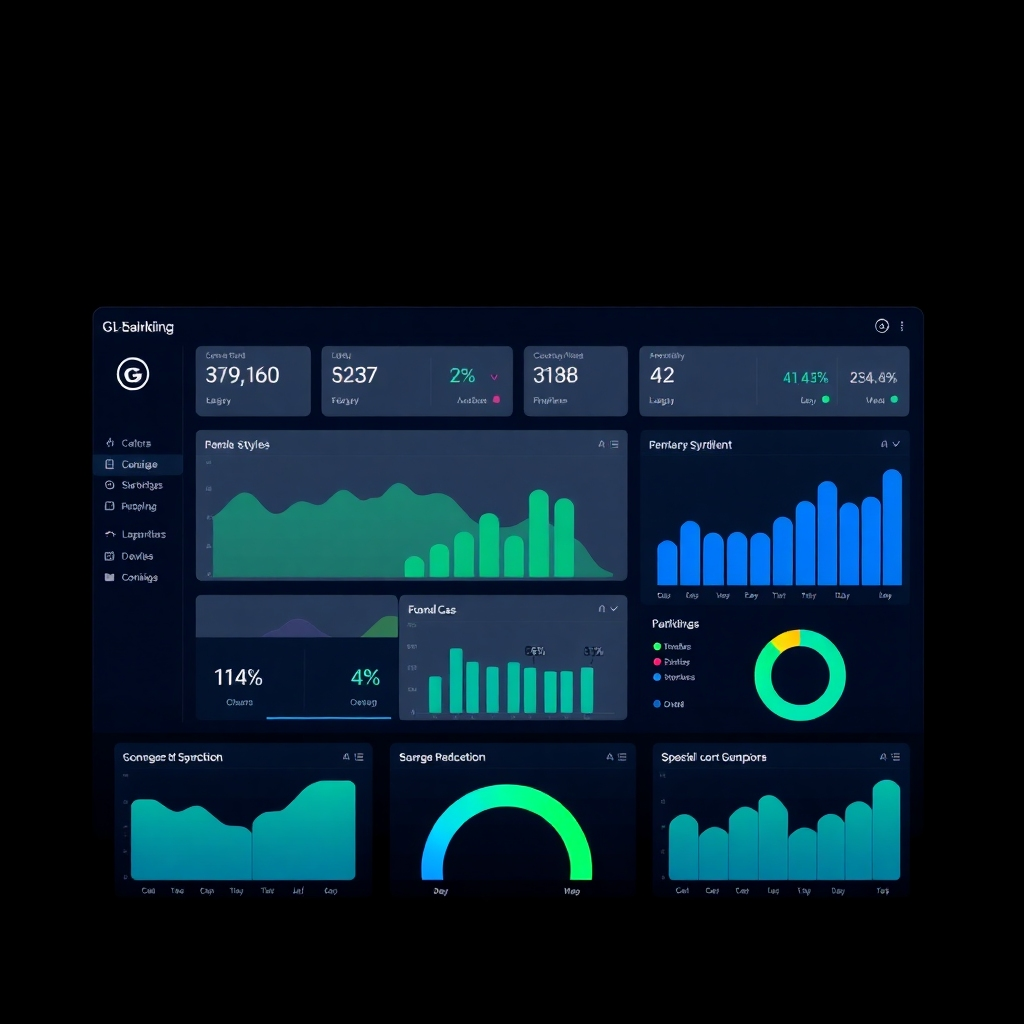
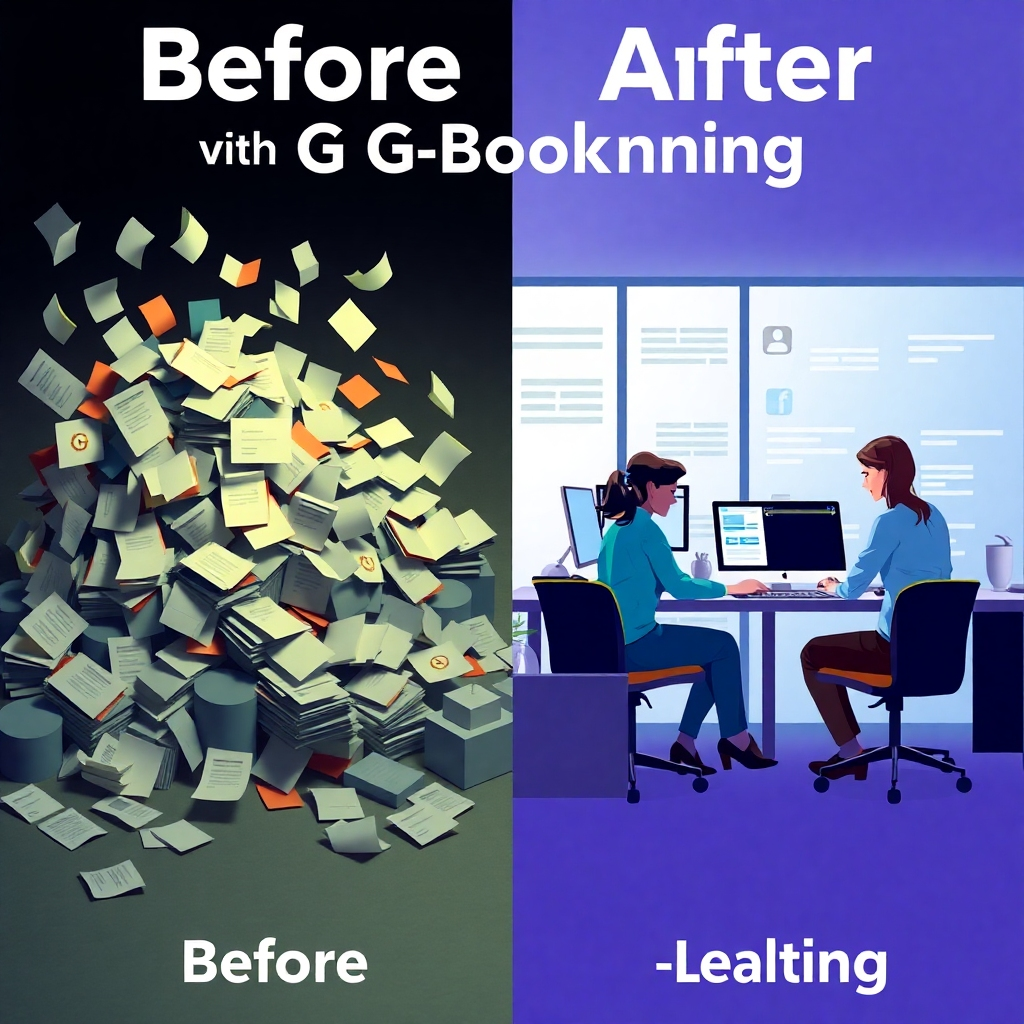
A photorealistic image of a clean and modern dashboard displaying all key metrics of the G-Booking module in an easy-to-understand visual representation. The image should use a dark background to emphasize the vibrancy and clarity of the data and statistics presented in the display. The style should be minimal and sophisticated, focusing on data clarity and ease of interpretation. The lighting should be soft and diffused, preventing harsh shadows. The image should have high contrast to further enhance readability. The resolution should be high, providing sharp and crisp details. The palette should consist of shades of blue and green.
A stylized image that uses a before and after comparison to illustrate the efficiency gains of using G-Booking. On the left side of the image, show a chaotic scene with scattered papers, overflowing inboxes, and stressed individuals. On the right side, depict a calm and organized workplace with individuals effortlessly using a clear, streamlined interface. The colors should contrast significantly between the left and right sides, with dull, muted colors on the left and bright, positive ones on the right, such as bright blues, greens, and yellows. The lighting should enhance this contrast, with dark, somewhat dim lighting on the left side and bright, even lighting on the right.

Improved Efficiency

Reduce manual errors and save time by automating tasks. Enjoy a seamless booking process.

Enhanced Reporting

Generate detailed reports and analytics to track performance and identify areas for improvement.
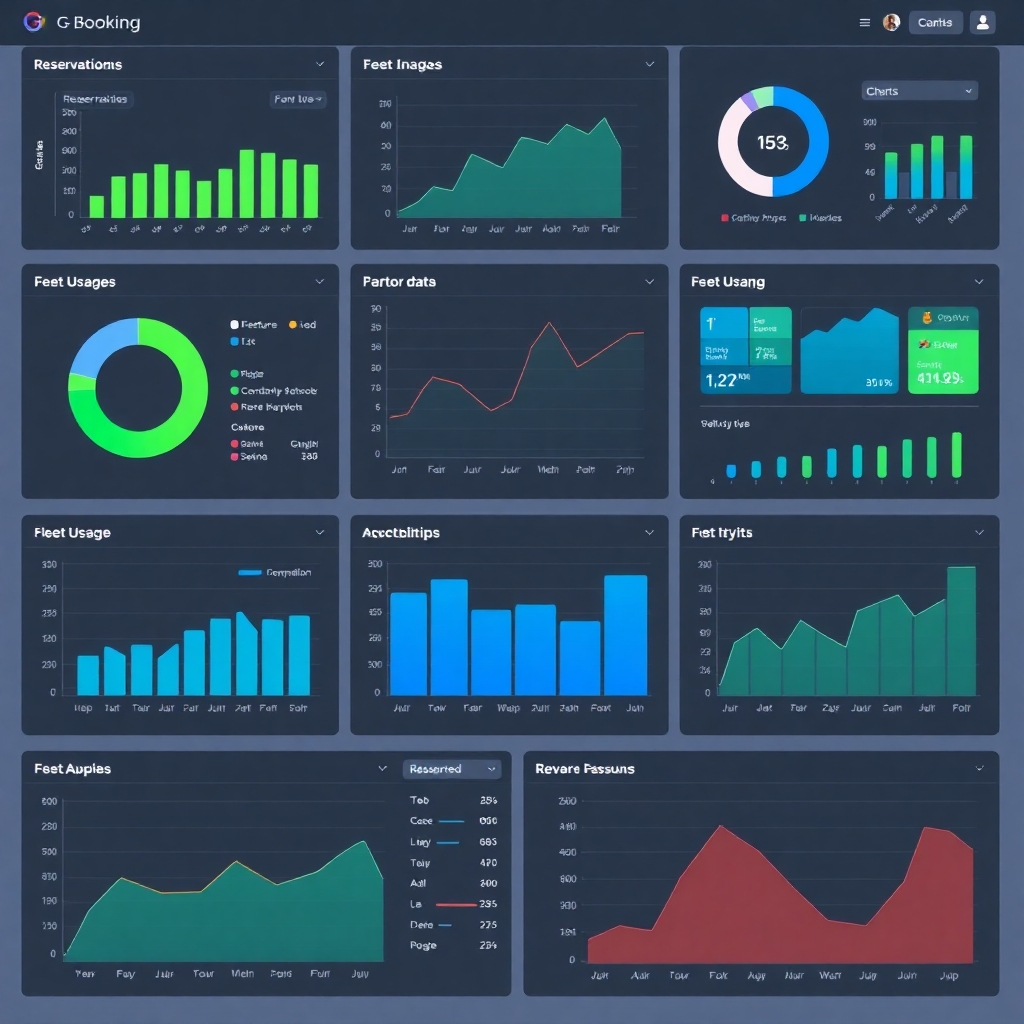
An image depicting an array of interactive charts and graphs from the G-Booking module. The charts should display data with various visual representations to provide a holistic view of reservations, fleet usage, revenue, and other relevant information. This should be visually appealing, with color-coded segments to highlight trends and key insights. The palette should consist of shades of blue, green, and gray, with subtle gradients used to enhance visual depth. The overall style should be modern and minimal.

Revolutionize Your Booking Process with G-Booking
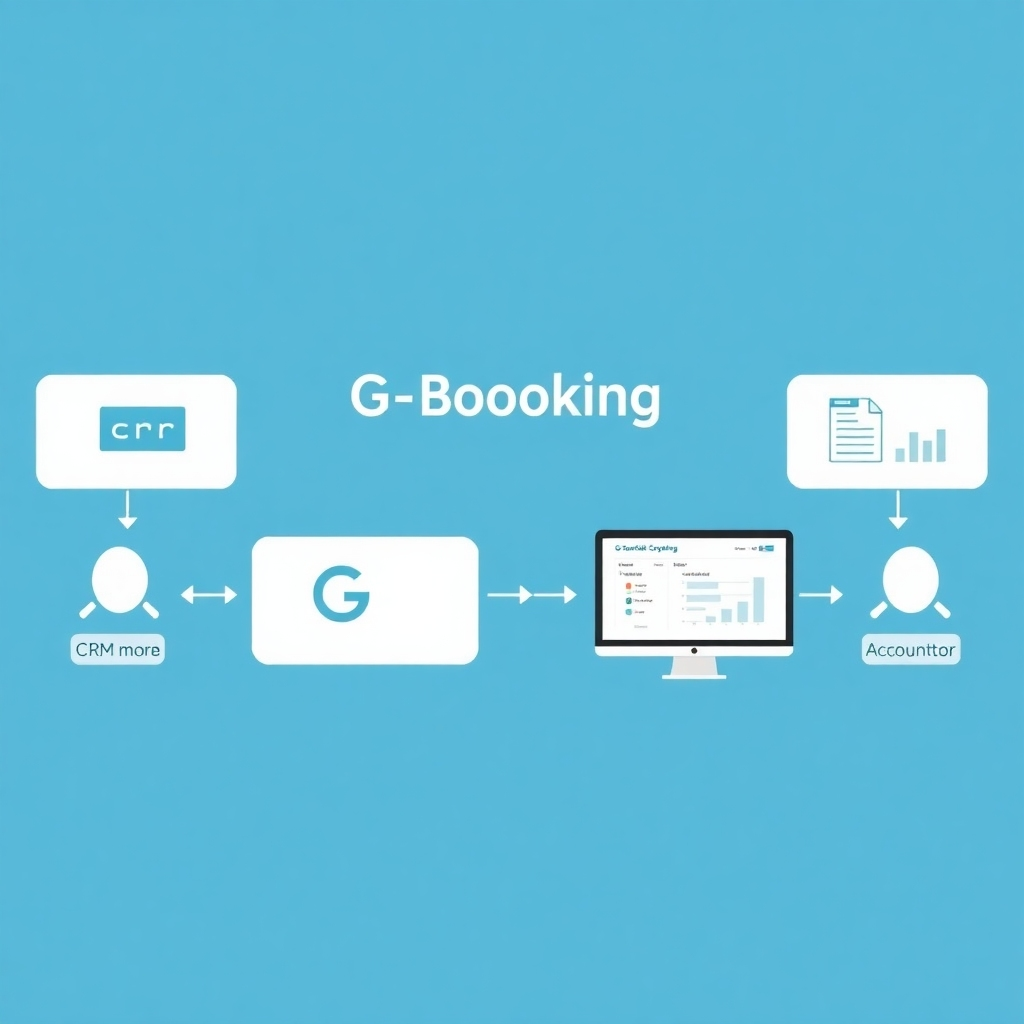
A photorealistic image showcasing the G-Booking module seamlessly integrated with other business systems, such as CRM and accounting software. The image should use a clean, minimal design, highlighting the integration points and data flows. The palette should consist of corporate colors. The lighting should be even and bright, emphasizing clarity and professionalism.

Seamless Integration

Integrate G-Booking with your existing systems for a smooth and efficient workflow.
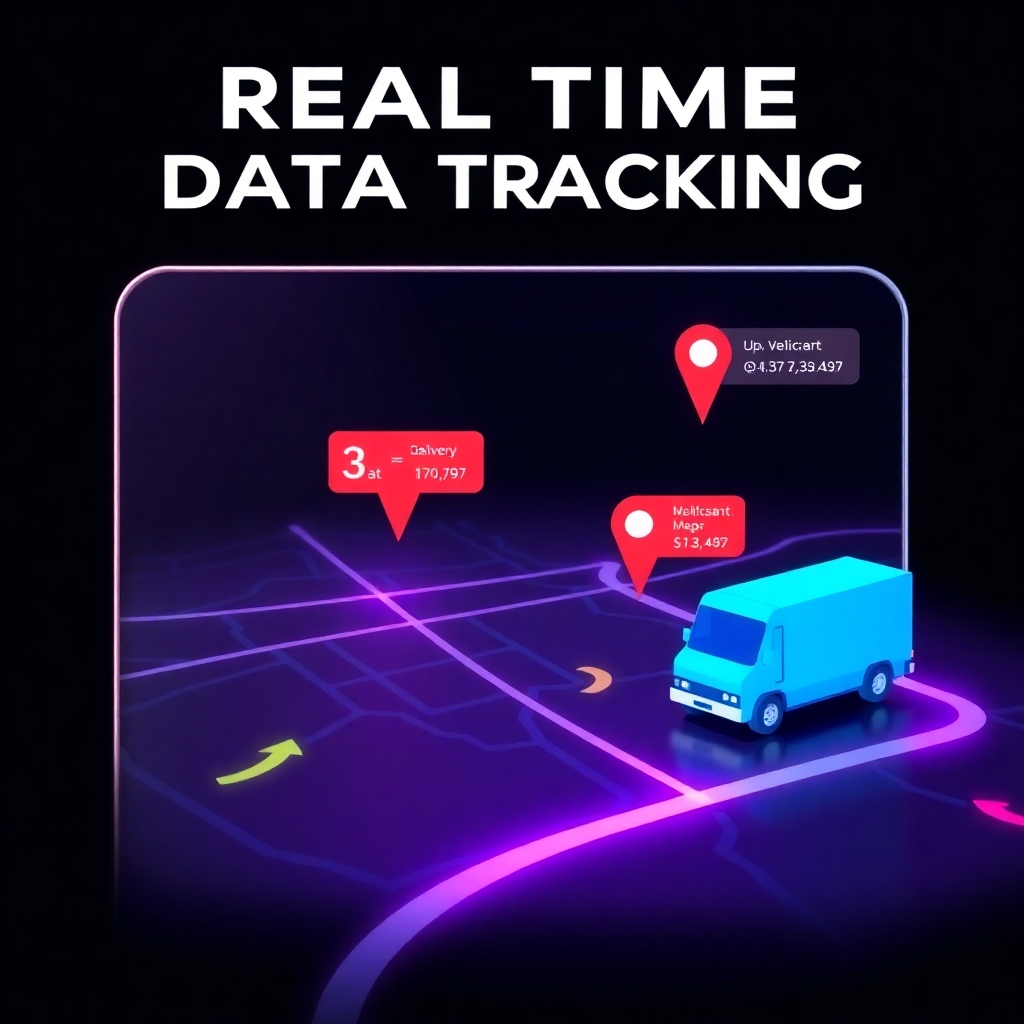
A stylized image illustrating real-time data tracking, perhaps with a map displaying the location of vehicles and delivery statuses. The style should be sleek and modern, using vibrant colors and dynamic animations to effectively convey the real-time data flow. The lighting should be sharp and vivid, highlighting the dynamic nature of the data.

Real-time Tracking

Monitor reservations, trips, and fleet status in real-time to keep your operations running smoothly.

An image demonstrating the scalability of the software, perhaps with an illustration of a small start-up growing into a large corporation, using the software throughout. The imagery should be stylized, using warm colors to convey growth and trust. The lighting should be soft and gentle, emphasizing the overall positive and successful growth depicted.

Scalability

Easily scale G-Booking to accommodate growing business needs.

G-Booking: Integrated Reservations and Fleet Management Solution
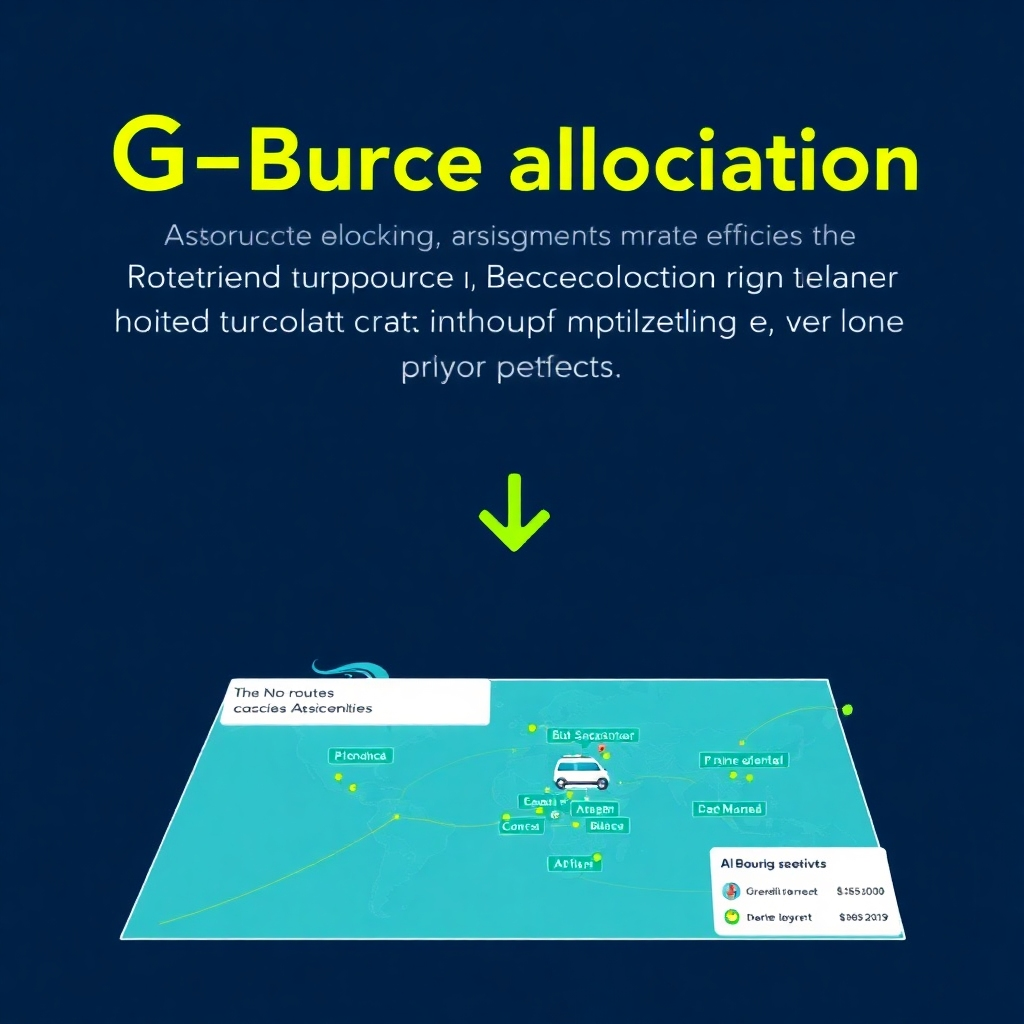
An image showcasing the efficient resource allocation through the G-Booking module, potentially using a map to display optimized routes and vehicle assignments. The style should be modern and clean, using data visualization to convey the optimization process. The color palette should be a combination of blues and greens to represent technology and efficiency, using a slightly darker palette to suggest a more professional and mature feel.

Fleet Optimization

Optimize your fleet management by assigning resources efficiently.

An image illustrating happy customers using the G-Booking module to make a reservation or track their order. The style should be friendly and approachable, emphasizing the human interaction with technology. The lighting should be warm and inviting, creating a positive and friendly atmosphere. The colors should be predominantly bright and cheerful.

Customer Satisfaction

Improve customer satisfaction with streamlined communication and efficient services.
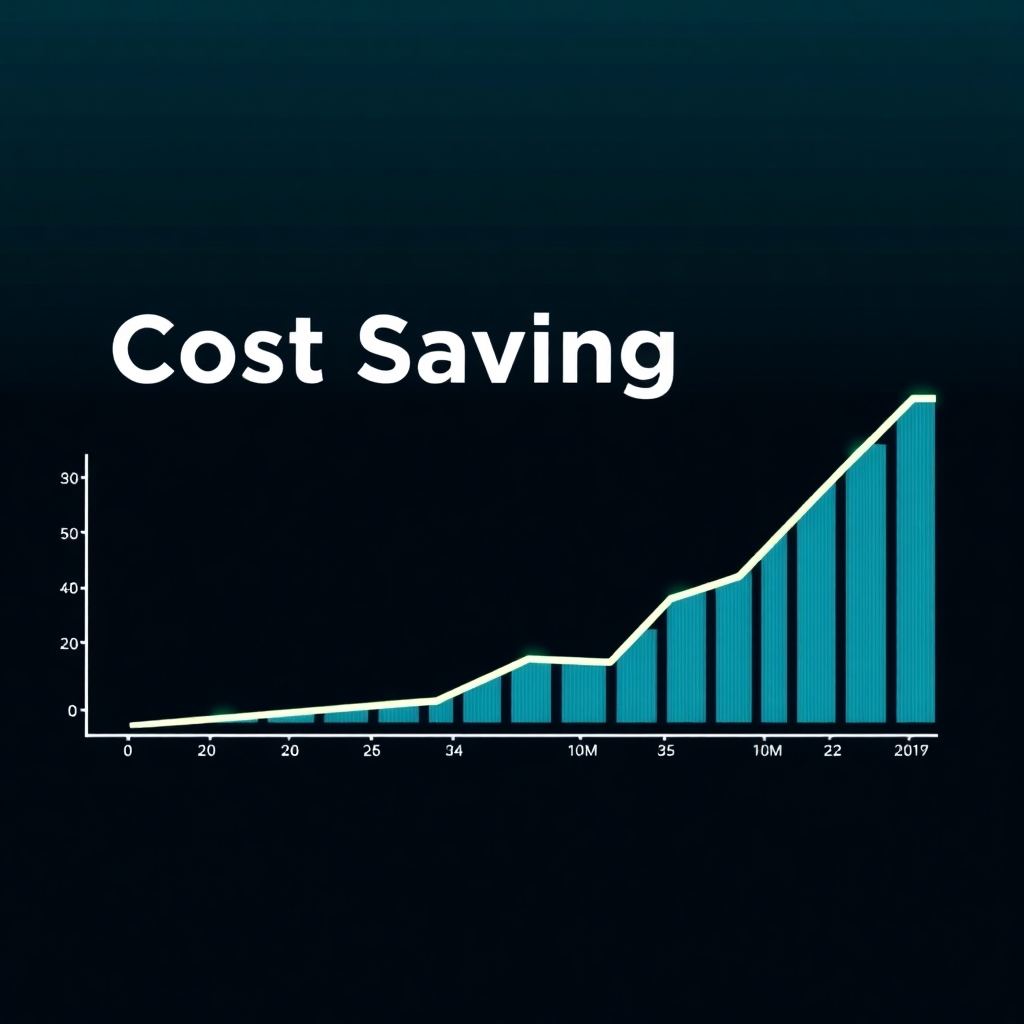
An image demonstrating cost savings through automation, possibly through a graph showing a downward trend in operational expenses.  The style should be clean and professional, showcasing data visually to emphasize cost-effectiveness. The lighting should be clear and bright, highlighting the downward trend in costs. The colors should be a combination of blues and greens to represent efficiency, using a slightly darker palette to suggest a more professional and mature feel.

Cost Reduction

Reduce operational costs by optimizing resource allocation and reducing manual tasks.