Revolutionize School Management with G-School

 From managing course programs and schedules to efficiently handling student files and entrance exams, our platform empowers educational institutions to operate with increased efficiency and effectiveness.

G-School School Management Module: Streamline Your Institution

Centralized Management

Access and manage all school data from a single, intuitive dashboard. Save time and improve efficiency across your institution.
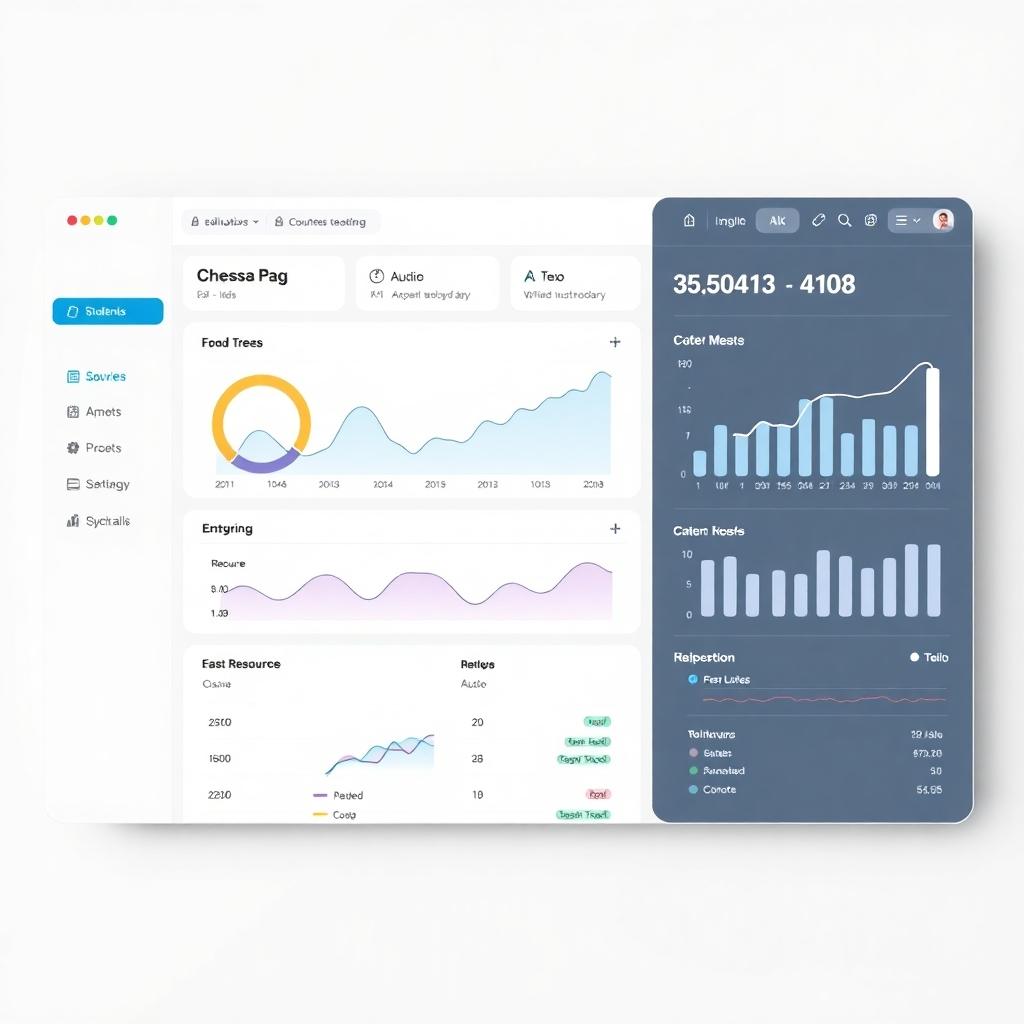
A photorealistic image depicting a clean, modern dashboard interface with various data visualizations. The colors should be calming and professional.  Show key metrics like student enrollment, course progress, and resource allocation.  The style should evoke a sense of order, clarity, and user-friendliness, similar to popular SaaS platforms like Asana or Trello.  The resolution should be 4K.  Textures should be smooth, with clear typography and consistent branding. The lighting should be soft, creating a clear image easy to read.
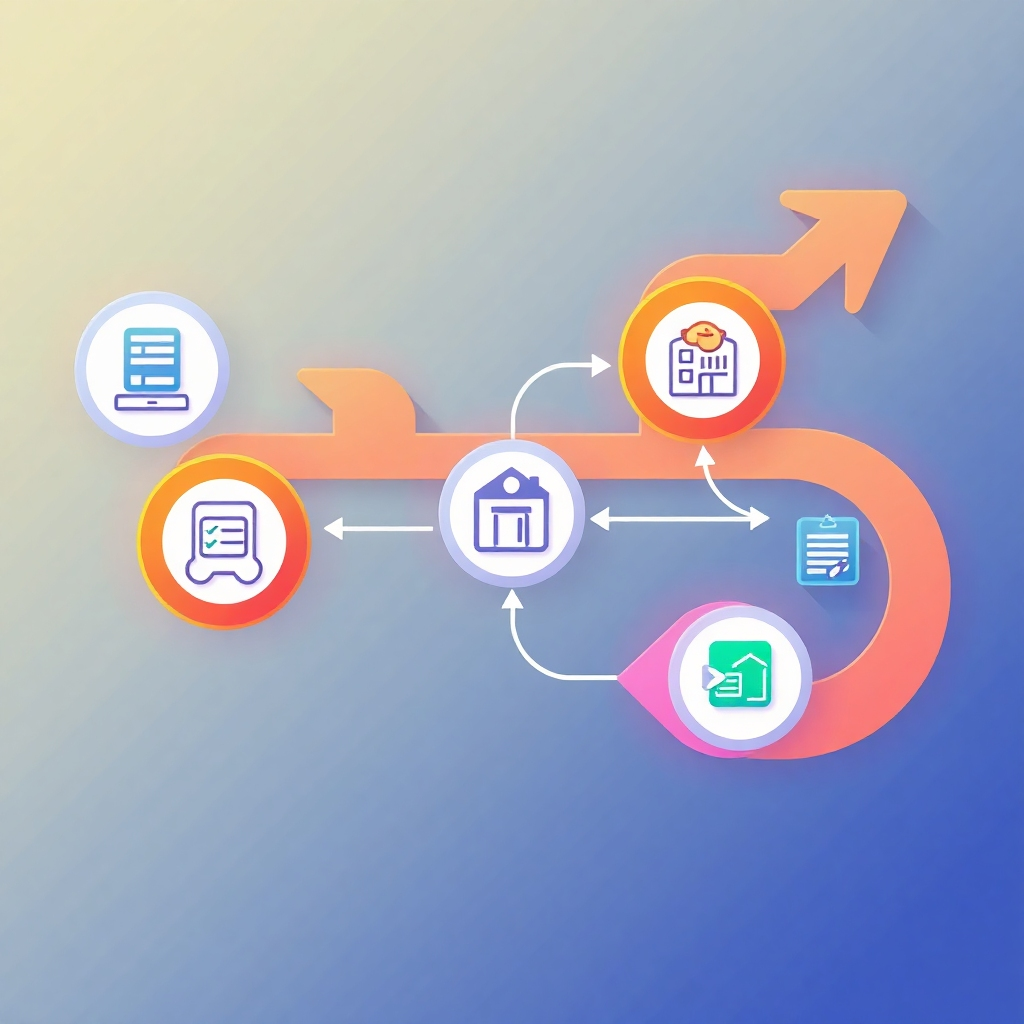
A stylized illustration showing automated processes flowing through a school system.  Arrows and connecting lines depict the workflow, with icons representing different processes (enrollment, scheduling, grading, etc.). The style should be clean and modern, with a minimalist design.  Use a vibrant color palette to make the processes appear easy and efficient.  The resolution should be 4K.  The lighting should be bright and focused on the arrows and icons to show efficiency.

Automated Processes

Automate administrative tasks, such as scheduling, attendance tracking, and report generation.

Improved Communication

Enhance communication between teachers, students, and parents through integrated messaging and notification systems.

A photorealistic image showing a group of teachers and students collaborating around a large screen showing an interactive map depicting communication pathways. Show happy faces and modern equipment.  The image should depict a positive learning environment with seamless communication.  The style should be modern and welcoming. The resolution should be 4K.  Textures and lighting should create a natural and inviting atmosphere.

Demo: G-School's Comprehensive School Management Solution
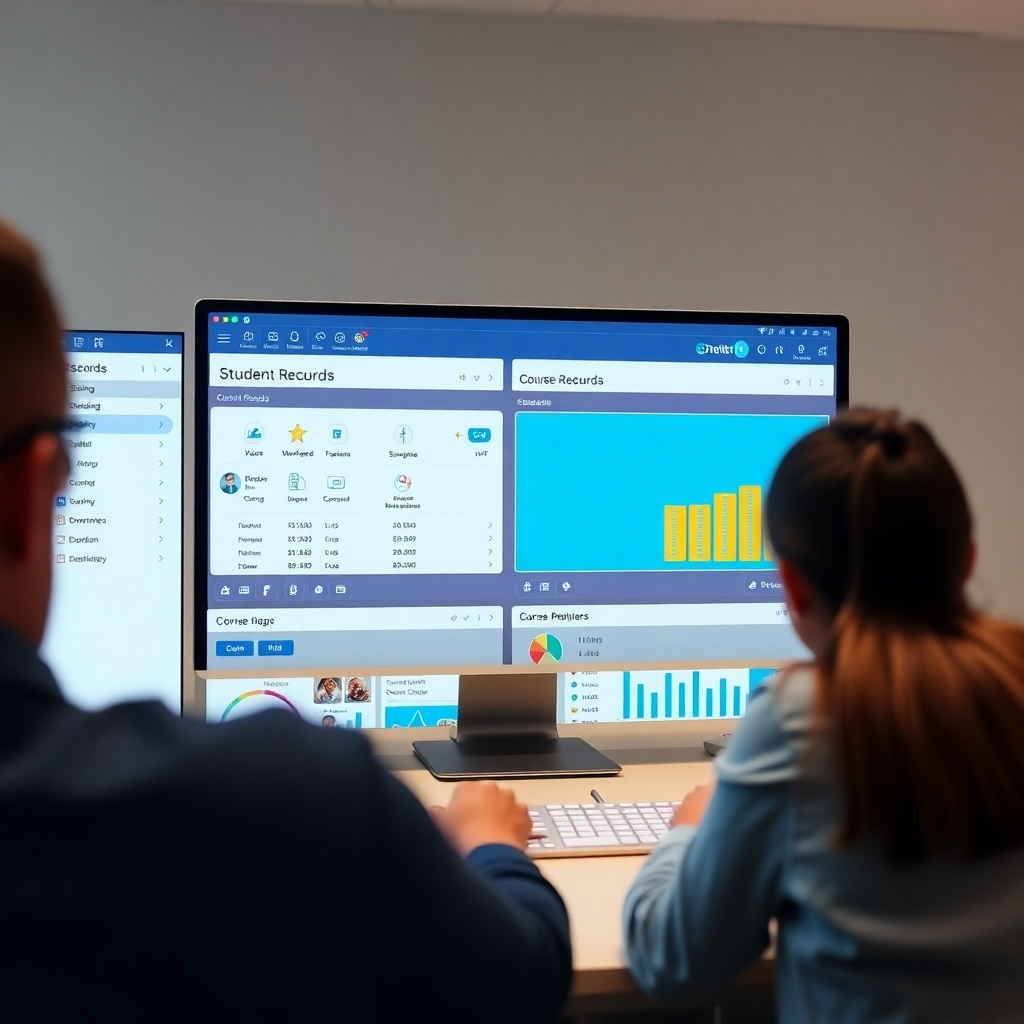
A 4K resolution screen recording, showing smooth transitions and intuitive navigation between different sections of the G-School platform. Focus on features such as easy access to student records, course management tools, and reporting dashboards. The style should emphasize clarity, simplicity, and user-friendliness. The lighting and color grading should ensure optimal screen readability.  The quality of the screen recording should be very high, demonstrating the smoothness and responsiveness of the platform.

Intuitive Interface

Experience the user-friendly interface and seamless navigation of G-School's platform firsthand.
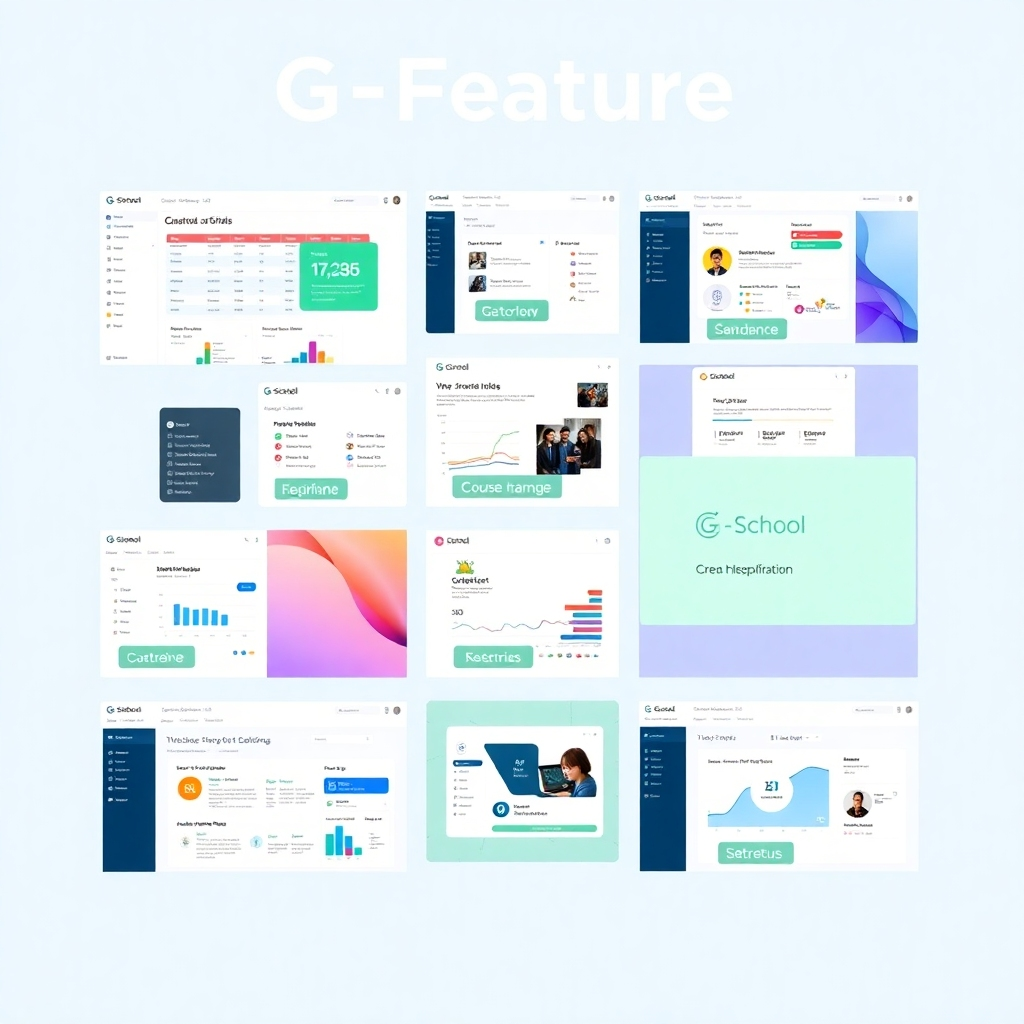
A 4K resolution collage highlighting key features of the G-School platform.  Each image should be a screen capture or mock-up demonstrating a key feature (e.g., course scheduling, student progress tracking, report generation, etc.).  The style should be clean and consistent, with high-quality visuals and clear labels for each feature.  The lighting and color scheme should be unified and visually appealing.  Each image should have a similar aesthetic.

Powerful Features

Explore the full suite of features designed to address the diverse needs of educational institutions.

A photorealistic image depicting a school staff member efficiently managing school operations using the G-School platform on a laptop, with a positive and calm demeanor.  The background should be a professional school setting. The lighting should be natural and well-lit.  The image should project a feeling of competence and ease of use.

Real-world Implementation

See how G-School's module simplifies school operations in a practical, real-world scenario.

Efficient School Management with G-School: Features and Demo
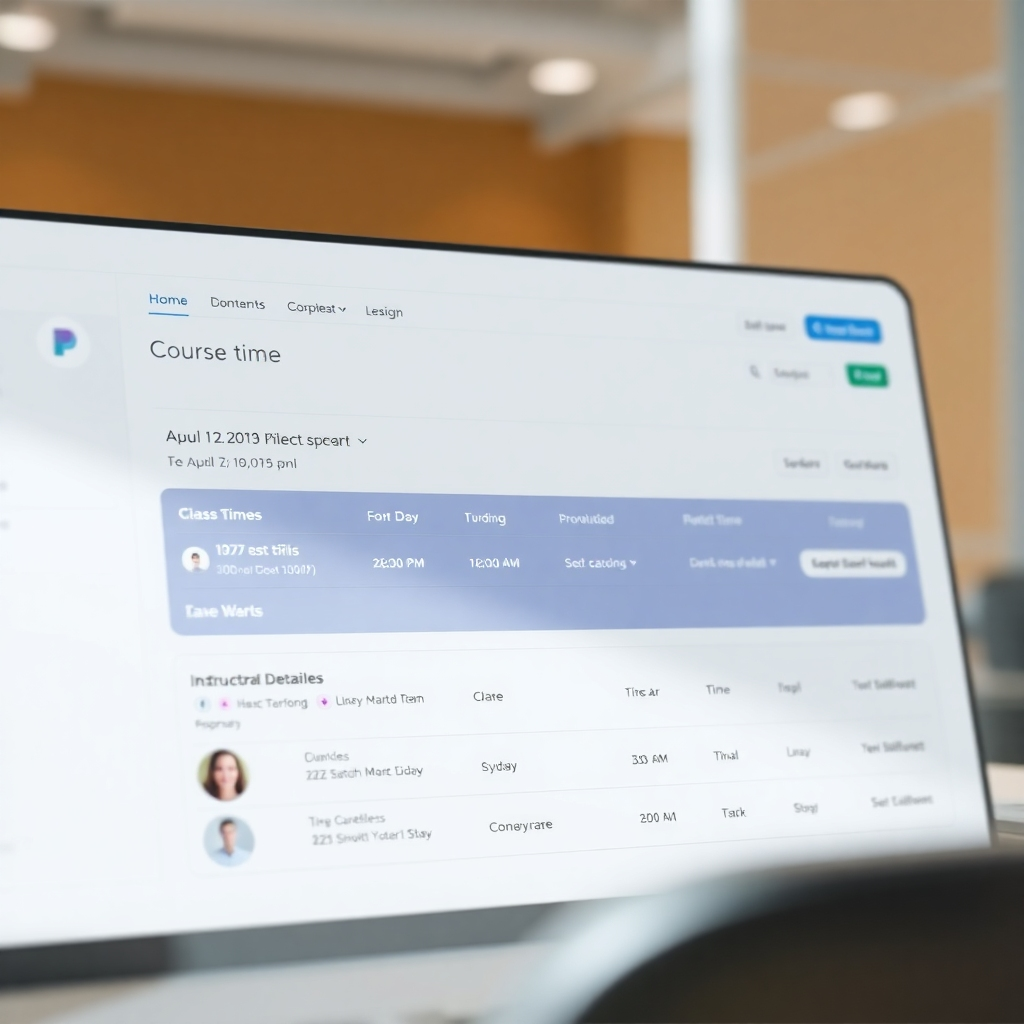
A photorealistic 4k image showing a clean interface, clearly displaying course details such as class times, student enrollment, and instructor information. The design should focus on clarity and ease of navigation.  The style should be professional and user-friendly, similar to popular project management software interfaces. The lighting should be clear and well-distributed to ensure optimal readability.

Course Management

Effortlessly manage course programs, schedules, and assignments within a single platform.
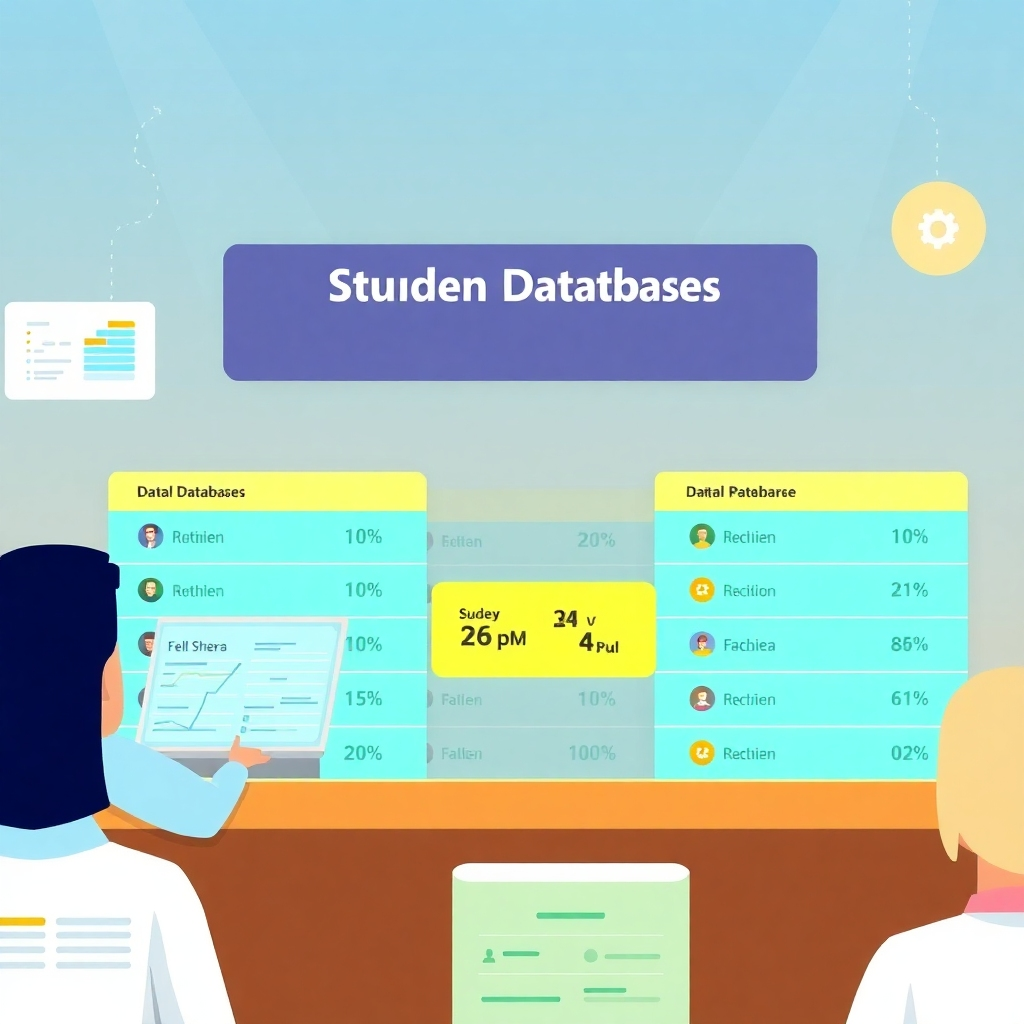
A stylized illustration showing a student database with various data points, clearly organized and presented in an easily digestible manner.  The style should be clean and modern, avoiding clutter and emphasizing clarity. The color palette should be professional and calming. The resolution should be 4K.  The lighting should be evenly distributed to highlight important data points.

Student Management

Maintain accurate and accessible student records, simplifying tasks such as attendance tracking and report generation.
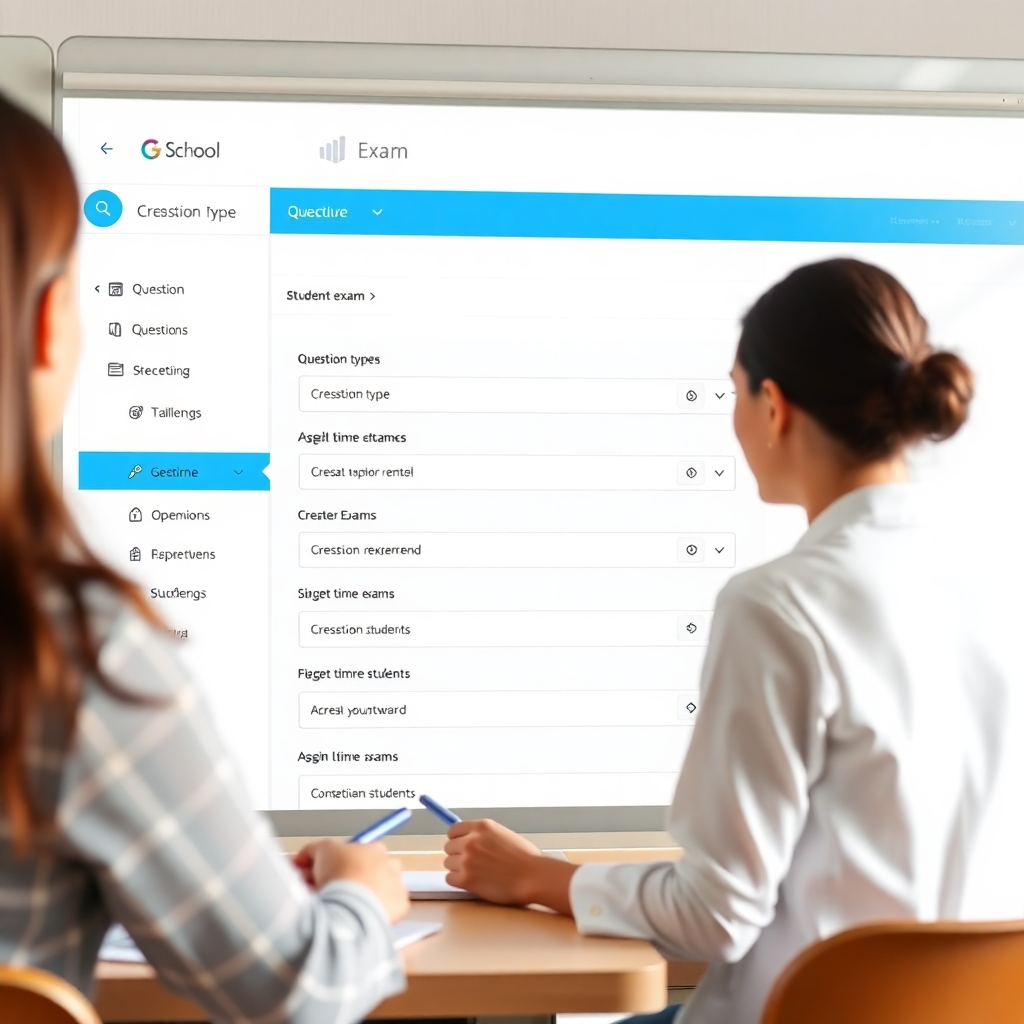
A photorealistic image depicting an interface where a teacher is easily creating an exam using the G-School platform.  The interface should be intuitive, showing options for creating question types, setting time limits, and assigning exams to students.  The style should be user-friendly and efficient.  The lighting should be clear and well-distributed to ensure optimal readability. The resolution should be 4K.

Exam Management

Streamline the exam process with tools for scheduling, conducting, and evaluating assessments.